Indie apps for iOS, Mac & Android
Robota
Your meetings, your machine, no exceptions.
Record, transcribe, and summarize meetings with AI - entirely on your Mac. No cloud. No accounts. No data ever leaves your device.
See it in action


Features
Live transcription
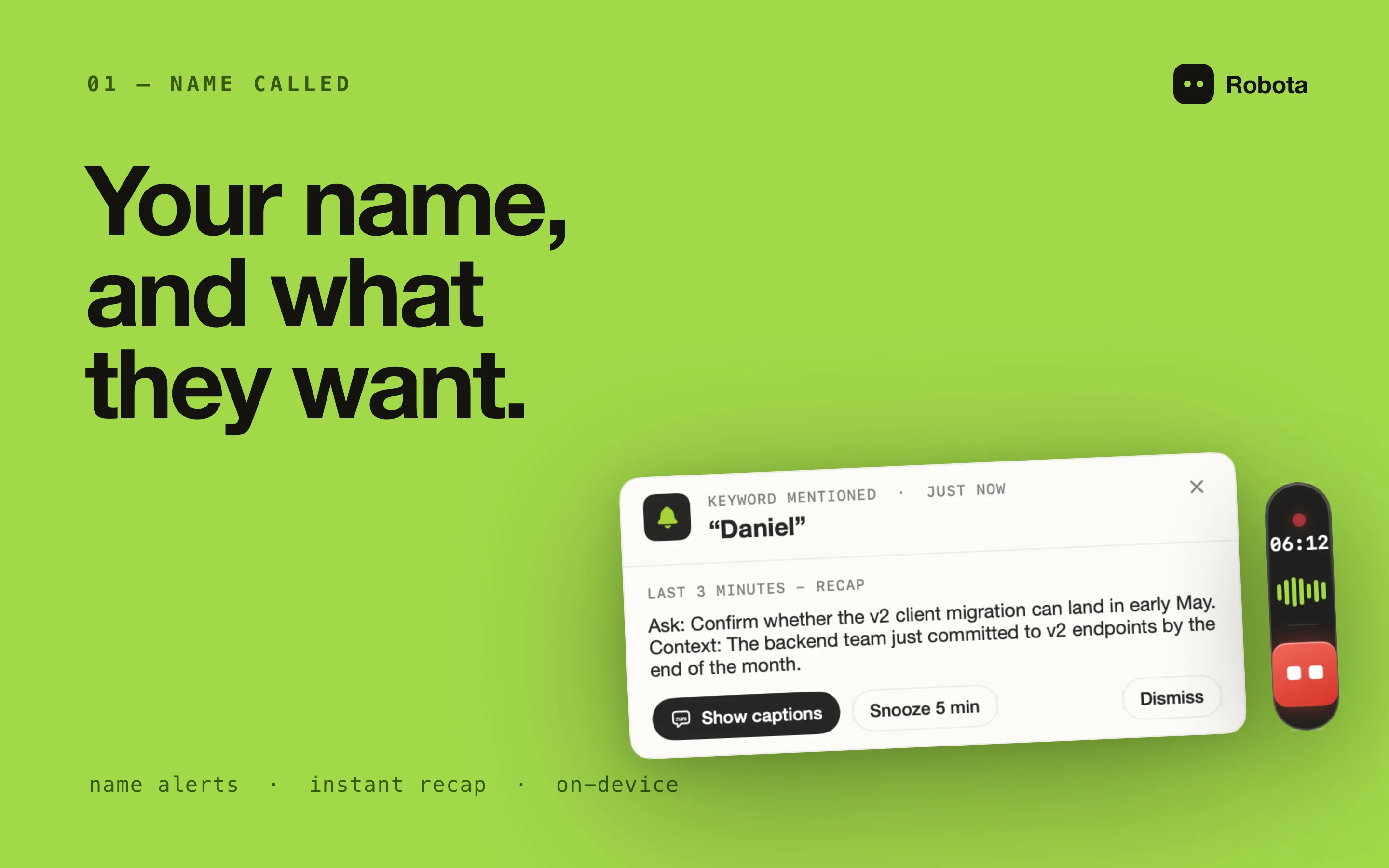
Live captions follow the conversation beside the floating pill, and the full timestamped transcript is waiting in your library the moment the meeting ends. Captures both microphone and system audio using Apple's SpeechAnalyzer, with multilingual support. Set a keyword and Robota tells you what you were just asked when your name comes up.
AI-powered summaries
Generate structured summaries with key decisions, action items, discussion points, and next steps - in seconds. Pick from built-in recipes (standups, 1:1s, sales calls) or create your own. Powered by Apple Intelligence or a GGUF model that runs inside Robota.
Meeting auto-detection
Smart audio device monitoring detects when you join a call and offers one-click recording right on the floating pill. The prompt clears itself after 10 seconds.
Meeting Q&A
Chat with AI about what was discussed. Ask for action items, clarifications, or specific details - all powered by local AI with the full transcript as context.
Archive & search
Every transcribed meeting is auto-archived to disk. Full-text search, tagging, and renaming. Audio files auto-delete after transcription; only transcripts persist.
Private by design
No data collection of any kind. Your audio and transcripts never leave your Mac. Audio is automatically deleted post-transcription. Works offline - the only optional network use is a one-time on-device model download from Hugging Face.
How it works
1. Record
Mic + system audio captured via ScreenCaptureKit.
2. Transcribe
On-device via Apple's SpeechAnalyzer.
3. Summarize
Local AI extracts decisions and action items.
4. Export
PDF, Apple Notes, or Obsidian.
Works with
Zoom, Microsoft Teams, Google Meet, Slack Huddles, FaceTime, Discord, WebEx - and any audio app on your Mac. Robota captures system audio passively at the macOS mixer level via ScreenCaptureKit.
System requirements
macOS 26 (Tahoe) or later. Apple Silicon Mac. Microphone & Screen Recording permissions required. Optional: a local GGUF model, or Obsidian.